無料!【Ryumu Auto Save Tool】 自動保存ツール for Unity
- ダウンロード商品¥ 0無料ダウンロードRyumuAutoSaveTool_Ver_1.2.zip(1.99 KB)RyumuAutoSaveTool_Ver_1.2.zip
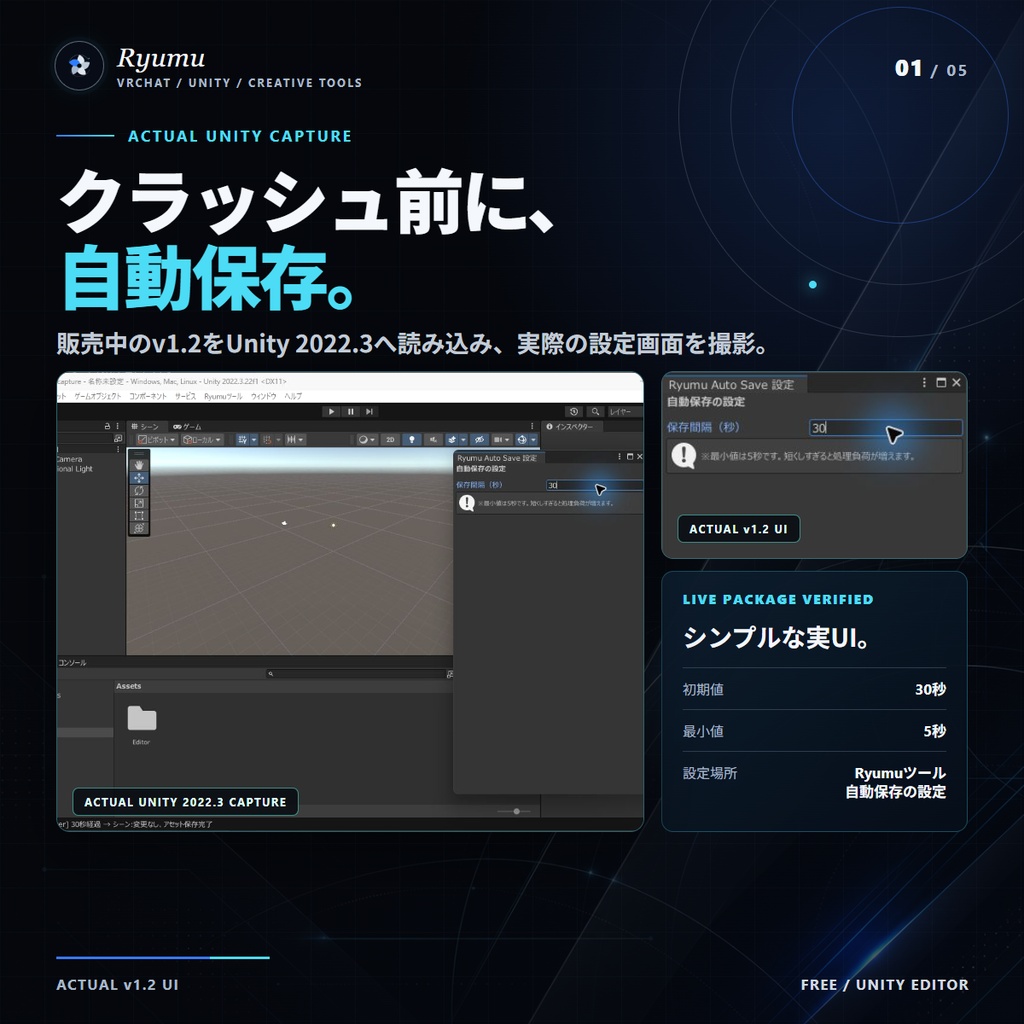
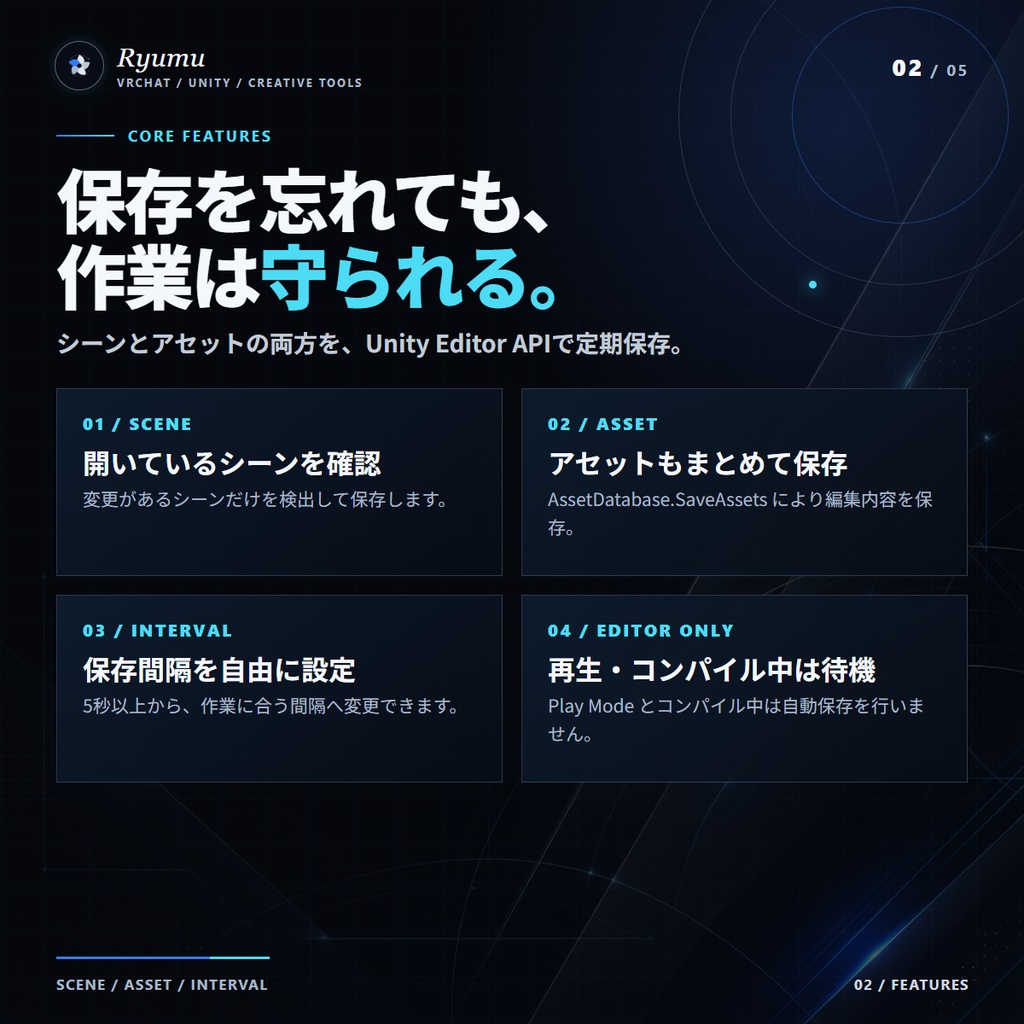
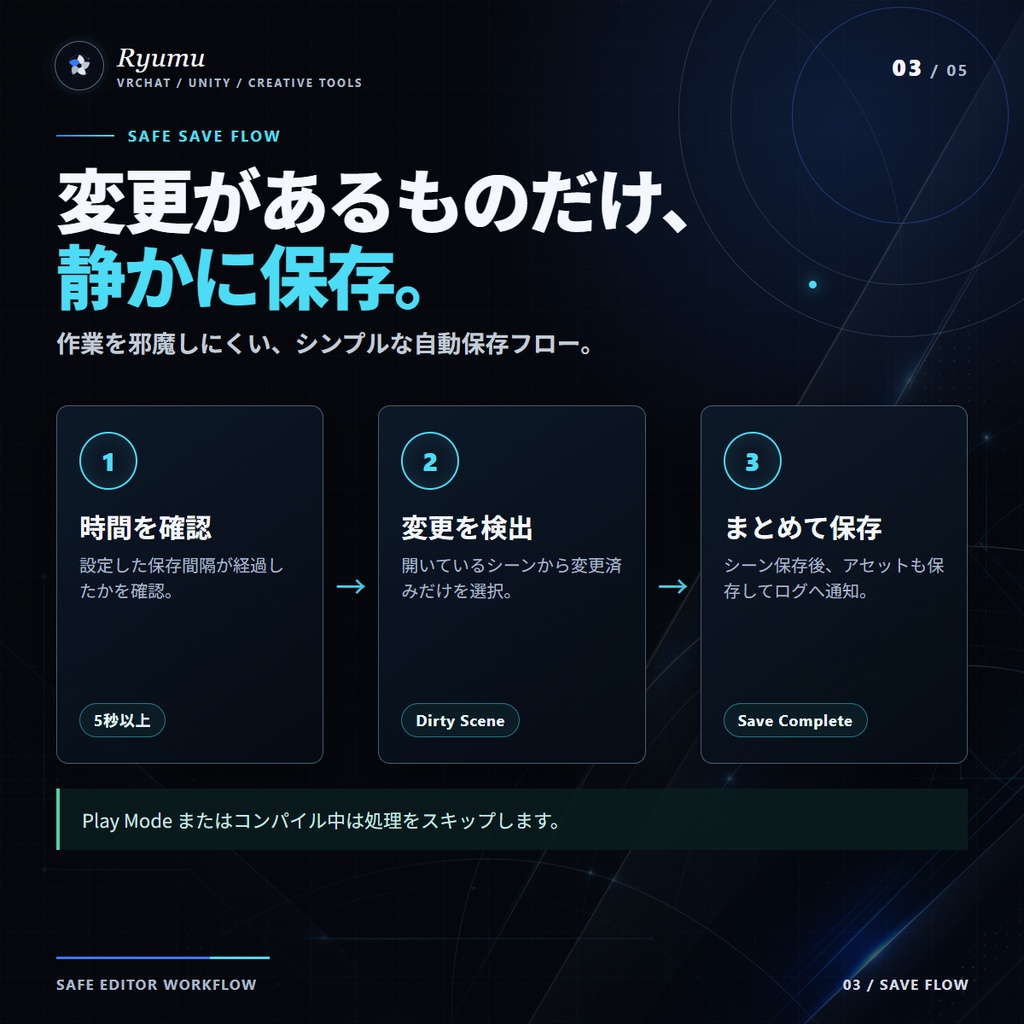
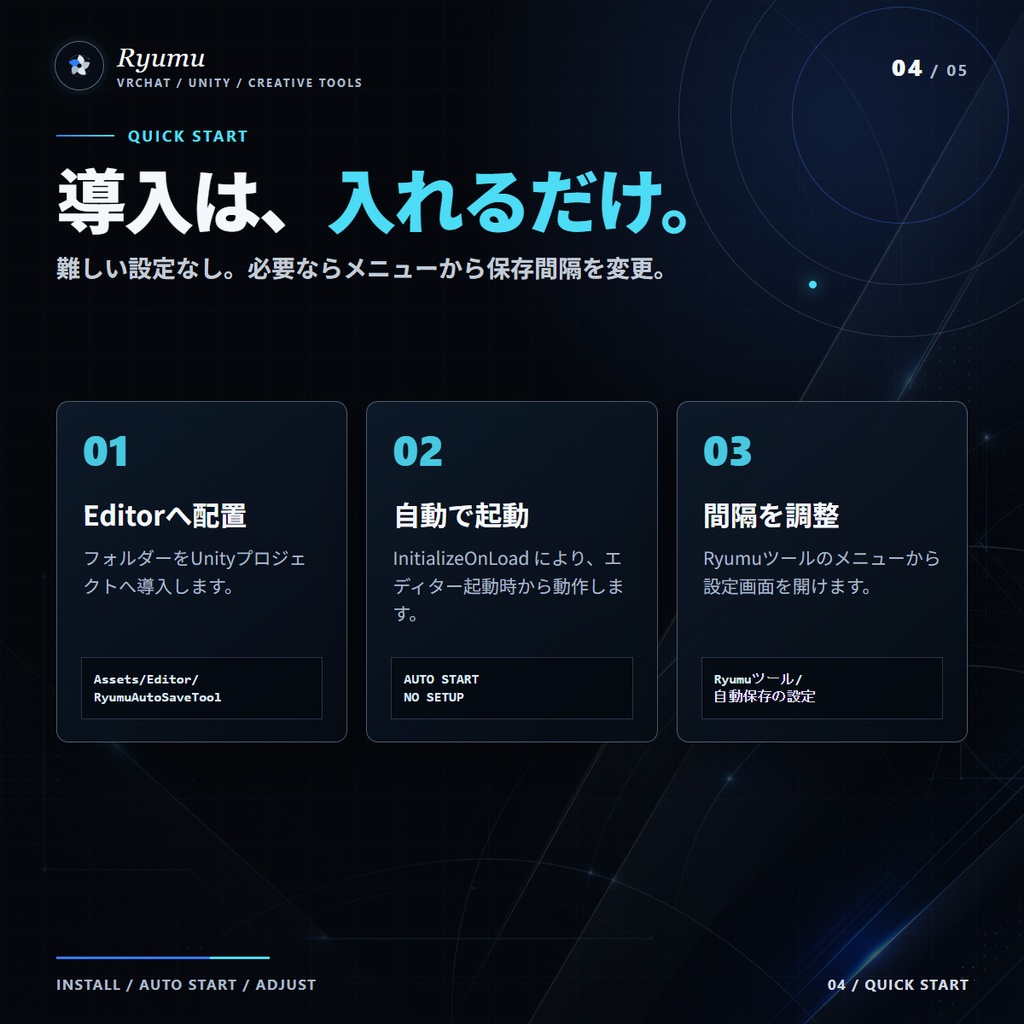
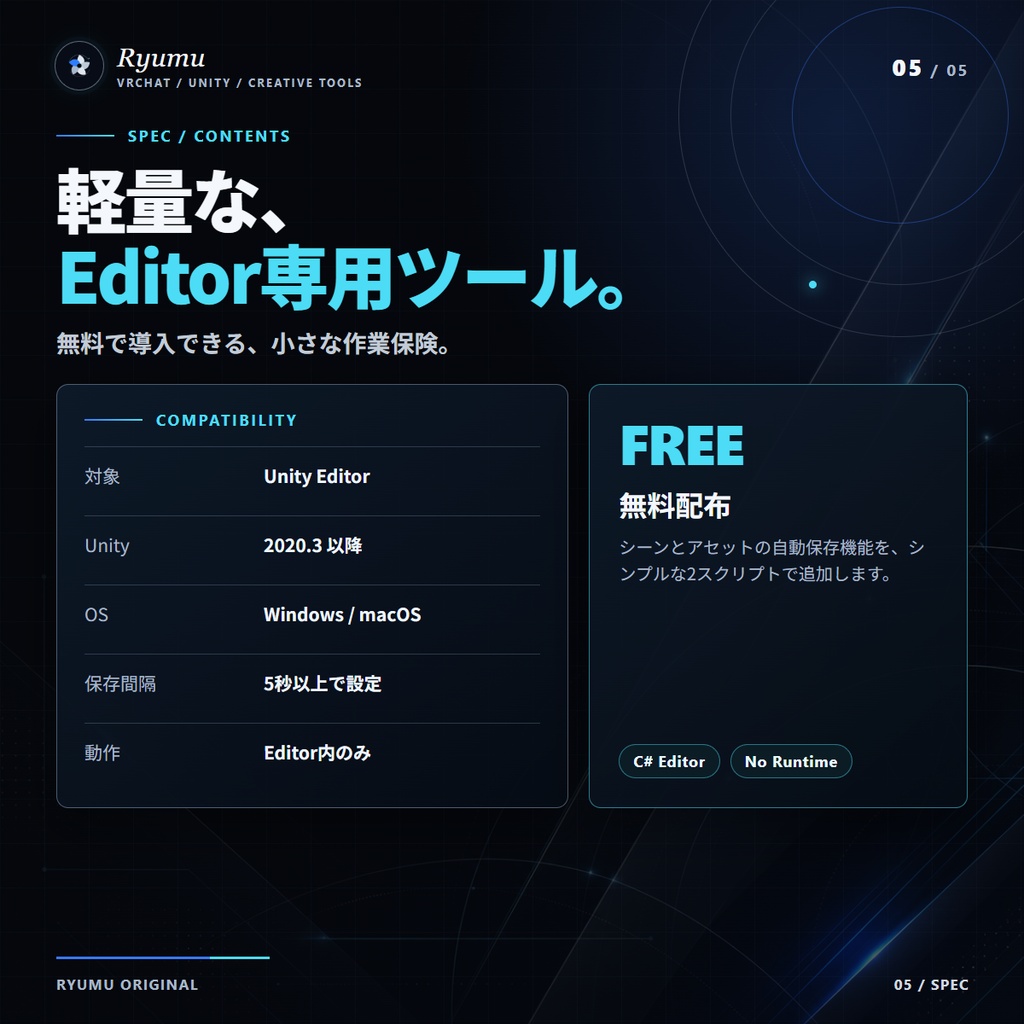
【概要】 Unityでの作業中、突然のクラッシュやフリーズで「保存してなかった…」を防ぎたい! そんなあなたにぴったりの自動保存ツールです。 一定時間ごとにシーンとアセットを自動保存し、作業の安心を守ります。 【主な機能】 一定時間(初期設定:30秒)ごとにシーンとアセットを自動保存 保存間隔を自由に設定可能 保存状態はUnityエディタに常駐し、手間なく動作 保存はUnity公式APIを使った「安全な保存処理」 編集内容があるシーンのみ保存されるので無駄な上書きなし 【使い方】 Unityに本ツールを導入(unitypackageをインポート) Unityメニューから「Ryumuツール > 自動保存の設定」を開く 保存間隔を自由に変更(例:60秒など、推奨は600秒(10分)) あとは自動で保存してくれるので、意識せず作業に集中! 【対応環境】 Unity 2020.3 以降推奨(Editor拡張として) Universal Render Pipeline / HDRP / 2D どのプロジェクトでも利用可能 Windows / macOS どちらもOK 【同梱内容】 RyumuAutoSaver.cs(自動保存本体) 【利用規約】 本ツールは個人・商用問わずご利用いただけます。 VRChatやゲーム開発、社内ツール等に自由に組み込んでいただけます。 改変しての利用は可能ですが、再配布は禁止です(改変後の再配布も不可)。 Unity Asset Storeなど他マーケットへの無断転載は禁止です。 本ツールの使用により発生したいかなる損害も、作者は一切の責任を負いません。 ⚠️【注意事項】 Unityの「プレイ中」は保存が行われません(エディタ作業中のみ動作)。 大規模プロジェクトでは、保存にやや時間がかかる可能性があります。 Gitなどのバージョン管理と併用することを推奨します。(個人では恐らく必要ありませんが、企業やチームの製作など大きなプロジェクトの方は推奨) ーーーーーーーーーーーーーーーー English 💾 Auto-saving for Unity Made Simple ✅ RyumuAutoSaveTool – Auto Save Utility for Unity Editor --- 🔧 Overview Have you ever lost hours of work in Unity due to a crash or accidental shutdown? RyumuAutoSaveTool automatically saves your scenes and assets at regular intervals, helping you work safely and efficiently. --- ✨ Features ⏱️ Auto-saves your current scene and assets at a set interval (default: every 30 seconds) 🔧 Customizable save interval via an easy-to-use settings window 💡 Detects changes and only saves modified scenes (no unnecessary overwriting) 🧠 Uses Unity's official APIs for safe and stable saving 🪶 Lightweight and editor-only – no build impact --- 💡 How to Use 1. Import the included .unitypackage into your Unity project 2. Open [Ryumu Tools > Auto Save Settings] from the Unity menu 3. Set your preferred auto-save interval (e.g., 60 seconds) 4. That's it! RyumuAutoSaveTool will now quietly and automatically save your work --- 💻 Requirements Unity 2020.3 or later (Editor extension only) Compatible with URP, HDRP, and 2D projects Works on both Windows and macOS --- 📦 Included Files RyumuAutoSaver.cs – The main auto-save logic --- ✅ 2. Terms of Use (License) --- 📘 Terms of Use ✅ Free to use for both personal and commercial projects ✅ You may modify this tool for your own use 🚫 Redistribution of the original or modified files is not allowed 🚫 Do not upload this tool to other marketplaces (e.g., Asset Store) without permission ❗ The creator is not responsible for any damages caused by the use of this tool --- ⚠️ Notes The tool does not save during Play Mode – auto-saving only occurs in Edit Mode For large projects, save operations may take a few seconds It is recommended to use with version control tools like Git for maximum safety --- ✅ 3. Catchphrases (for BOOTH card, banners, or social media) 💾 Never forget to save again – Auto Save for Unity 🧠 Focus on creating – let your project save itself 🔁 Crashes? No problem. RyumuAutoSaveTool has your back 💡 Lightweight. Invisible. Reliable. The way auto-save should be